 November 21, 2026
How to Create a Website for Your Business
To create a website for your business, decide what the site must do, register a domain name, choose a platform (a website builder, WordPress, or a custom build), set up hosting and business email, write the key pages, add tracking, then launch and check it every week for the first month. A simple service business can do this on a builder in a few weekends. A business that needs bookings, a product catalogue, or two languages usually saves money by planning the structure properly before picking any tool.
This guide is for owners of small and growing businesses who want a site that brings in enquiries, not a coding tutorial. We build websites for SMEs in Indonesia and abroad, so the steps below follow the order we use on client projects, including the parts that usually get skipped and then cost time later.
Step 1: Decide what the website has to do
Write down the one action you want a visitor to take before you choose any tool. For most service businesses that action is a WhatsApp message, a call, or a quote request. For a shop it is an order. For a villa or a clinic it is a booking. Everything else on the site exists to get the right people to that action.
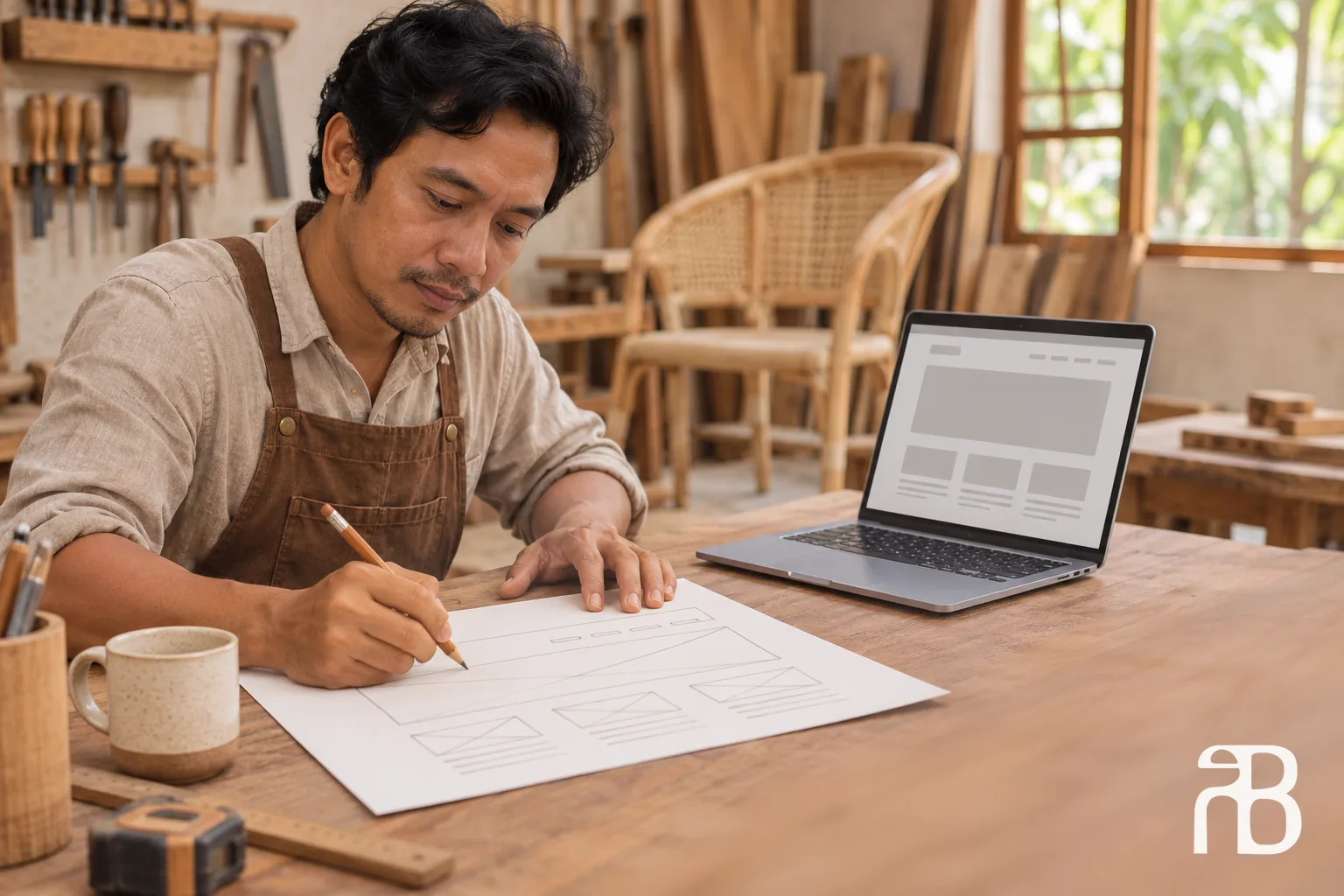
Then list the pages that support it. A typical small business needs a home page, one page per main service or product group, an about page that shows who is behind the business, and a contact page with an address and opening hours if customers visit you. That is often five to ten pages. A short list like this tells you more about which platform you need than any comparison chart, because it shows whether you need a catalogue, a booking system, a member area, or simply clear pages.
Step 2: Choose and register a domain name
Your domain is the address customers type, such as yourbusiness.com. Pick something short, easy to say over the phone, and close to the name customers already use for you. Avoid hyphens and odd spellings, because people will mistype them.
- .com works almost everywhere and is the safe default if you sell across borders.
- .id or .co.id signal an Indonesian business. A .co.id address is reserved for registered companies, so the registrar will ask for company documents before activating it.
- Country domains such as .com.au or .sg make sense if most of your customers are in that country, but some come with local eligibility rules.
Register the domain in the business's name, with an email address the business controls, and switch on auto-renewal. Domains renew every year. A domain that lapses because the renewal email went to a former staff member's inbox is one of the most common and most avoidable problems we see.
Step 3: Pick a platform (website builder, WordPress, or custom build)
The platform decision is where most owners get stuck. The right choice depends on what the site has to do in the next two to three years, not on what looks easiest this week. Here is how the three main options compare.
| Factor | Website builder (Wix, Squarespace, Shopify and similar) | WordPress | Custom build |
|---|---|---|---|
| Best for | Simple service sites, small shops, quick launch | Content-heavy sites, blogs, catalogues | Sites with specific workflows, bookings, dashboards, or speed targets |
| Who builds it | You, with templates | You or a developer, with themes and plugins | A developer or agency |
| Hosting | Included in the subscription | You arrange it separately | Arranged by the developer, usually on your account |
| Running cost | Monthly or yearly plan, plus paid add-ons | Hosting, premium plugins, regular updates | Hosting and occasional changes |
| Moving later | Usually means rebuilding the pages | Possible, content can be exported | Possible, code belongs to you |
| Main risk | Outgrowing the template and add-on costs | Plugin conflicts and missed security updates | Choosing a developer who disappears |
A builder is the fastest way to get online. You pick a template, replace the text and photos, connect your domain, and publish. The trade-off is control: you rent the platform, and most hosted builders do not let you take the design with you if you leave. If the business grows into a catalogue of hundreds of products or a multi-language site, moving later usually means rebuilding the pages.
WordPress sits in the middle. It powers a large share of the web, the content is yours to export, and almost any feature exists as a plugin. It also needs looking after: core, theme, and plugin updates, backups, and someone who notices when an update breaks the contact form. We cover when it fits, including the headless setup, in our guide to WordPress website development.
A custom build means a developer writes the site for your business instead of filling in a template. It costs more upfront, but it makes sense when you need something the templates handle badly: a booking flow tied to your own availability, a product catalogue that buyers filter by specification, a quote form that routes leads to different sales staff, or pages that must load fast on a mid-range phone over a mobile connection.
Step 4: Sort out hosting, security, and business email
Hosting is the server that stores your site and sends it to visitors. Builders include it. With WordPress or a custom build, you choose a hosting provider, and the main thing to check is where the servers are. If most of your customers are in Indonesia, a server in or near Southeast Asia keeps pages quicker than one on the other side of the world.
Whatever the platform, make sure of three things before launch:
- The site loads over https, with a valid SSL certificate. Most hosts and builders now include one at no extra cost.
- Backups run automatically, and you know how to restore one.
- Every account (domain, hosting, builder, analytics) is registered to the business, with at least two people who can log in.
Set up email on your own domain at the same time, for example hello@yourbusiness.com. It costs a few dollars per user per month through Google Workspace or Microsoft 365, and it looks far more credible on an invoice or a quotation than a free webmail address.
Step 5: Write the pages before you design them
Owners often start with colours and fonts, then struggle to fill the boxes. Do it the other way round. Write each page first: what you offer, who it is for, where you serve, what it costs or what affects the price, how long it takes, and how to get in touch. Visitors decide in the first screen whether to stay, so the opening lines of each page should say what you do and for whom in plain words.
Use real photos of your team, premises, and work wherever you can. Stock photos of smiling office workers tell a visitor nothing about you. If you are not sure what a strong page looks like, our breakdown of company profile website examples shows what good pages include and what they leave out, and our guide to website copywriting for leads covers the wording itself.
Then design for the phone first. For many local businesses, most visitors arrive on a phone, often from Google Maps, Instagram, or a WhatsApp link. Check that buttons are easy to tap, that the phone number and WhatsApp link work with one touch, and that nothing important hides behind a menu.
Step 6: Set up tracking and Google tools before launch
A website you cannot measure is a website you cannot improve. Before launch, set up:
- Google Analytics 4, to see how many people visit, where they come from, and which pages they read.
- Conversion tracking on the actions that matter: form submissions, WhatsApp clicks, and phone taps. Our explainer on what counts as a conversion walks through how to define them.
- Google Search Console, to see which searches show your site and to submit your sitemap so Google finds every page.
- Google Business Profile, if customers visit you or you serve a local area. It is what appears in Google Maps, and our guide to Google Business Profile for SMEs covers the setup.
These tools are free. Setting them up on day one gives you a baseline, so three months later you can tell whether the site is actually bringing in enquiries. If you plan to run ads to the site, the same conversion setup feeds Google Ads, as explained in our walkthrough on setting up Google Ads.
Step 7: Launch, then check it weekly for the first month
Before you announce the site, test it like a customer would. Submit every form and confirm the message arrives. Tap every WhatsApp and phone link on an actual phone. Open the site on a slow connection. Ask someone who does not know the business to find your prices or your address and watch where they get stuck.
After launch, check Search Console and Analytics once a week for the first month. Look for pages Google has not indexed, searches where you appear but nobody clicks, and pages people leave quickly. Small fixes in the first weeks, such as a clearer page title or a missing contact button, are cheap and often make the biggest difference.
When a DIY website builder is enough
A builder is a sensible choice when the site is mainly a digital brochure: a handful of pages, a contact form, a gallery, maybe a simple shop with a few dozen products. It also suits a business that is still testing its offer and wants to be online this month without a large upfront cost. If you have the time to write the pages yourself and someone on the team is comfortable editing them, a builder can serve you well for years.
When it is worth paying for a custom build
Paying a developer starts to make sense when the site has to do real work for the business. Typical signs:
- Bookings or quotes depend on your own availability, stock, or pricing rules, and a plugin cannot handle them cleanly.
- You need two or more languages with a separate address for each, so search engines show the right version to each market.
- Buyers need to filter products by specification, or you have hundreds of pages to manage.
- Leads must go straight to the right salesperson, a spreadsheet, or a CRM.
- Speed and search visibility matter because the site is your main source of new customers.
In our projects, a standard business website goes from mockup to live in 8 to 10 working days, starting from US$349 (around Rp 5 million) for up to 70 pages, and the domain, hosting, and accounts stay in the client's name. Larger or more complex builds are quoted after we see the scope. You can see what that covers on our website development service page, and a comparison of local website costs and timelines if you are weighing several vendors.
Frequently asked questions
Can I create a business website for free?
Yes, many website builders offer a free plan, but it usually puts the builder's name in your web address and shows their ads on your pages. That is fine for testing an idea. For a business that wants to be taken seriously, a paid plan with your own domain is worth the small monthly cost.
How do I create a booking website?
Start by deciding what customers book (a room, a table, an appointment) and what has to happen after they book, such as a deposit or a confirmation message. Builders offer booking add-ons that work for simple appointments. Villas, clinics, and rental businesses with their own rules often need a custom flow, as in our example of a villa website built for direct bookings.
How long does it take to create a business website?
A simple site on a builder can go live in a few weekends if the content is ready. A professionally built site usually takes one to three weeks for a standard project, and longer for catalogues, bookings, or several languages. Writing the content is often the slowest part, so start there.
Can I move from a website builder to WordPress or a custom site later?
You can, but expect to rebuild the pages rather than move them, because most hosted builders do not export the design. Keep copies of your text and photos outside the builder, and make sure the domain is registered separately so you can point it to the new site without losing your address.
Not sure which route fits?
If you are deciding between a builder and a custom site, send us your current site or a short list of the pages you need, plus the one action you want visitors to take. We will tell you which route makes sense for your stage and what it would roughly involve, usually within one to two business days. If a builder is enough, we will say so.
All posts